Creating a cozy and functional home office is essential for anyone working remotely or managing tasks from home. A well-designed workspace can boost your productivity, reduce stress, and make the workday more enjoyable. Whether you have a dedicated room or just a small corner, these tips will help you craft a space that feels both inviting and efficient.
Choose the Right Location
Prioritize Natural Light
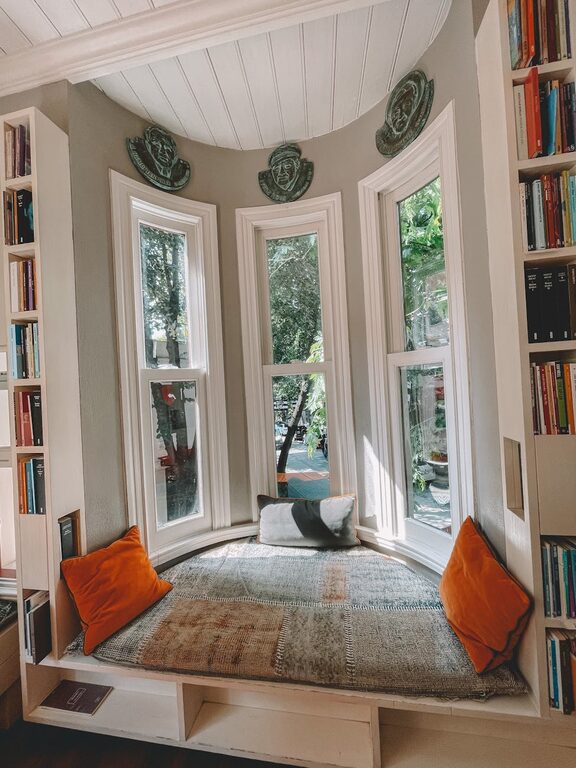
Natural light can improve your mood and energy levels. Set up your workspace near a window to take advantage of daylight. If that’s not possible, opt for warm, adjustable artificial lighting that mimics natural light.
Consider Quietness and Privacy
Find a spot that minimizes distractions. This might be a spare room, a section of the living room, or even a nook in the bedroom. Use room dividers or curtains if needed to separate your office space visually.
Invest in Comfortable Furniture
Select an Ergonomic Chair
Since you’ll be spending hours seated, a supportive chair is key. Look for one with adjustable height, lumbar support, and breathable material to keep you comfortable throughout the day.
Use a Practical Desk
Choose a desk that fits the space but also has enough surface area for your computer, paperwork, and accessories. Standing desks or adjustable desks can offer flexibility and encourage movement.
Organize for Efficiency
Keep Essentials Within Reach
Arrange your most-used items—pens, notebooks, chargers—within easy access. Desk organizers, pencil holders, and trays can help keep your workspace tidy.
Implement Storage Solutions
Use shelves, drawers, or filing cabinets to store documents and supplies. Label boxes or folders to quickly locate what you need without cluttering the desk.
Personalize Your Space
Add Comfort Elements
Incorporate soft textures like a cozy throw blanket, cushioned chair pad, or a small rug to make the space inviting.
Incorporate Personal Touches
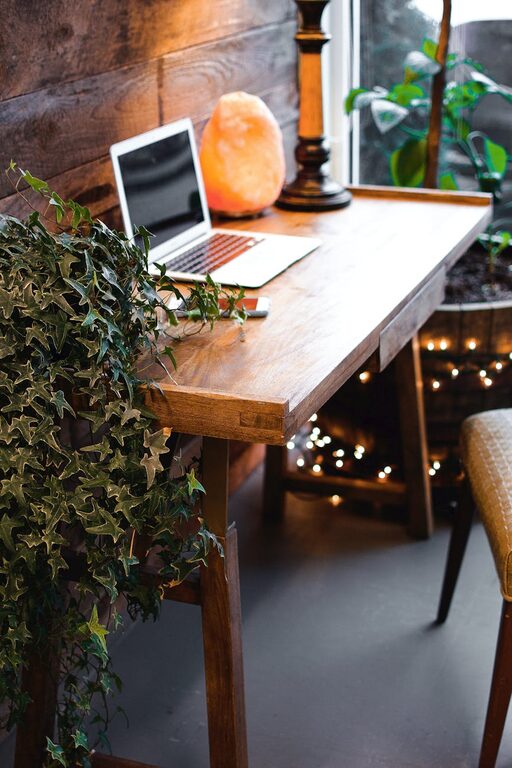
Display photos, artwork, or plants that make you happy but avoid overcrowding the space. Greenery can also improve air quality and add a calming vibe.
Optimize Technology Setup
Invest in Quality Equipment
A good monitor, keyboard, and mouse can reduce strain and boost productivity. Also, ensure your internet connection is reliable to avoid interruptions during work.
Manage Cables Neatly
Use cable organizers, clips, or covers to keep wires from tangling. A neat setup makes your desk look cleaner and prevents distractions.
Set Boundaries and Create a Routine
Define Your Workspace Use
Make your home office a space exclusively for work to help your brain associate it with focus and productivity.
Establish Work Hours
Set regular start and end times to maintain a healthy work-life balance. Taking breaks and stepping away from the desk can prevent burnout.
Enhance Ambiance with Lighting and Sound
Use Layered Lighting
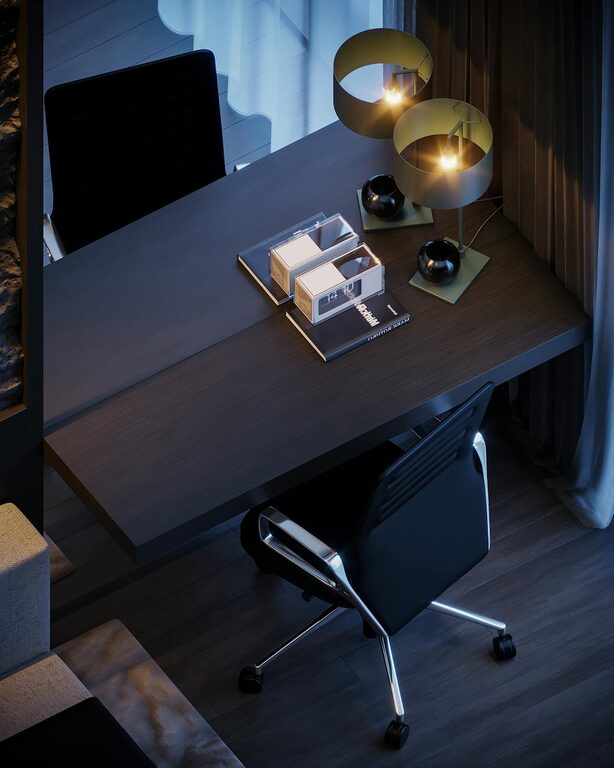
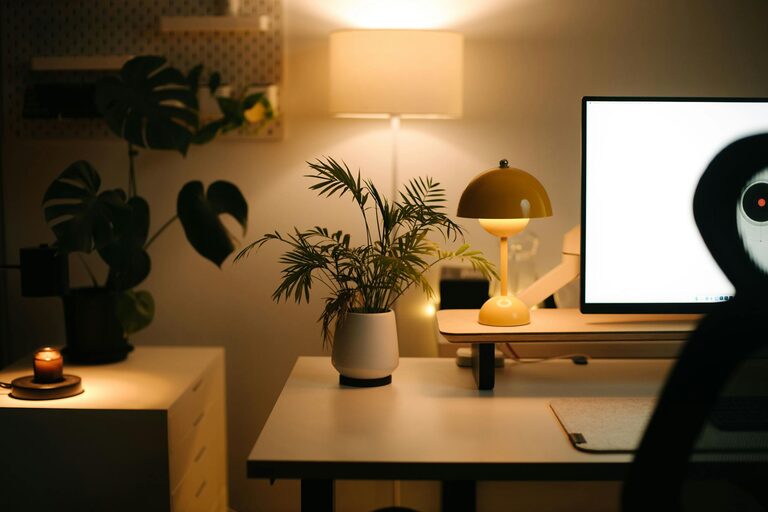
Combine overhead lights with desk lamps to reduce eye strain and create a pleasant environment.
Consider Background Noise
Soft background music or white noise machines can improve concentration, especially if your space isn’t completely quiet.
—
Creating a cozy and functional home office doesn’t require a full renovation. With thoughtful choices in location, furniture, organization, and personalization, you can design a space that supports your work and well-being. Remember, the best workspace is one that reflects your needs and helps you stay motivated every day.